 Whose Buy Is It?
How to use Today
Today is the screen the app opens on. It shows whose buy it is, and everything you need to settle the round. Here's what each part does.
The app walks you through these same steps the first time you open Today. To see the tour again, tap ≡, then Help, then Show the tour.
-
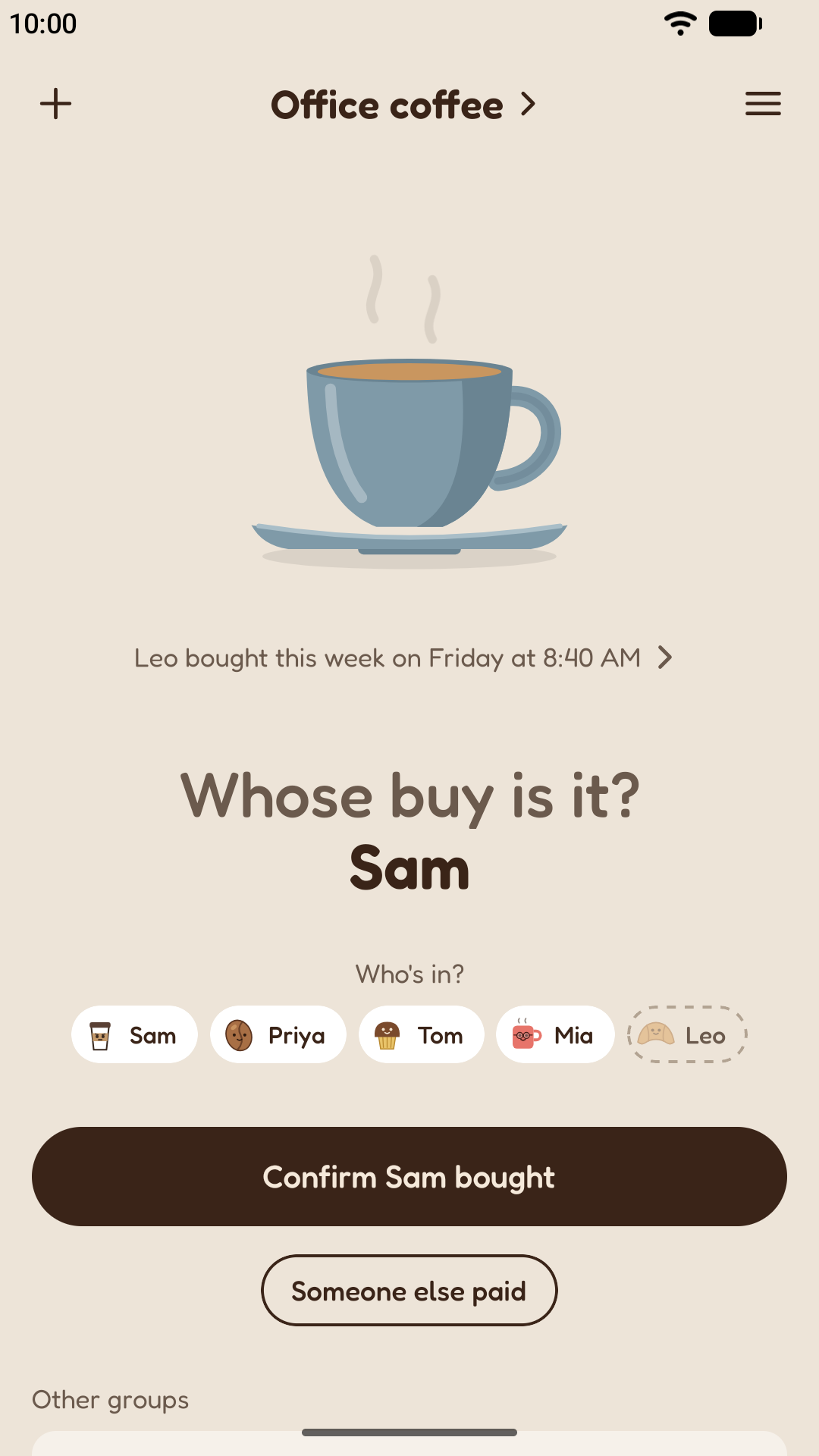
Whose buy it is
It's Sam's buy. It counts coffees, not turns: whoever has bought least for others goes next.
-
Who's in?
Tap anyone who isn't coming today. The buyer updates straight away.
-
Confirm the buy
Once they've bought, tap here. It moves on to the next person, and you can undo for a few seconds.
-
Someone else paid
Someone else bought? Tap here and pick who.
-
History
Tap the last buy to see the group's history.
-
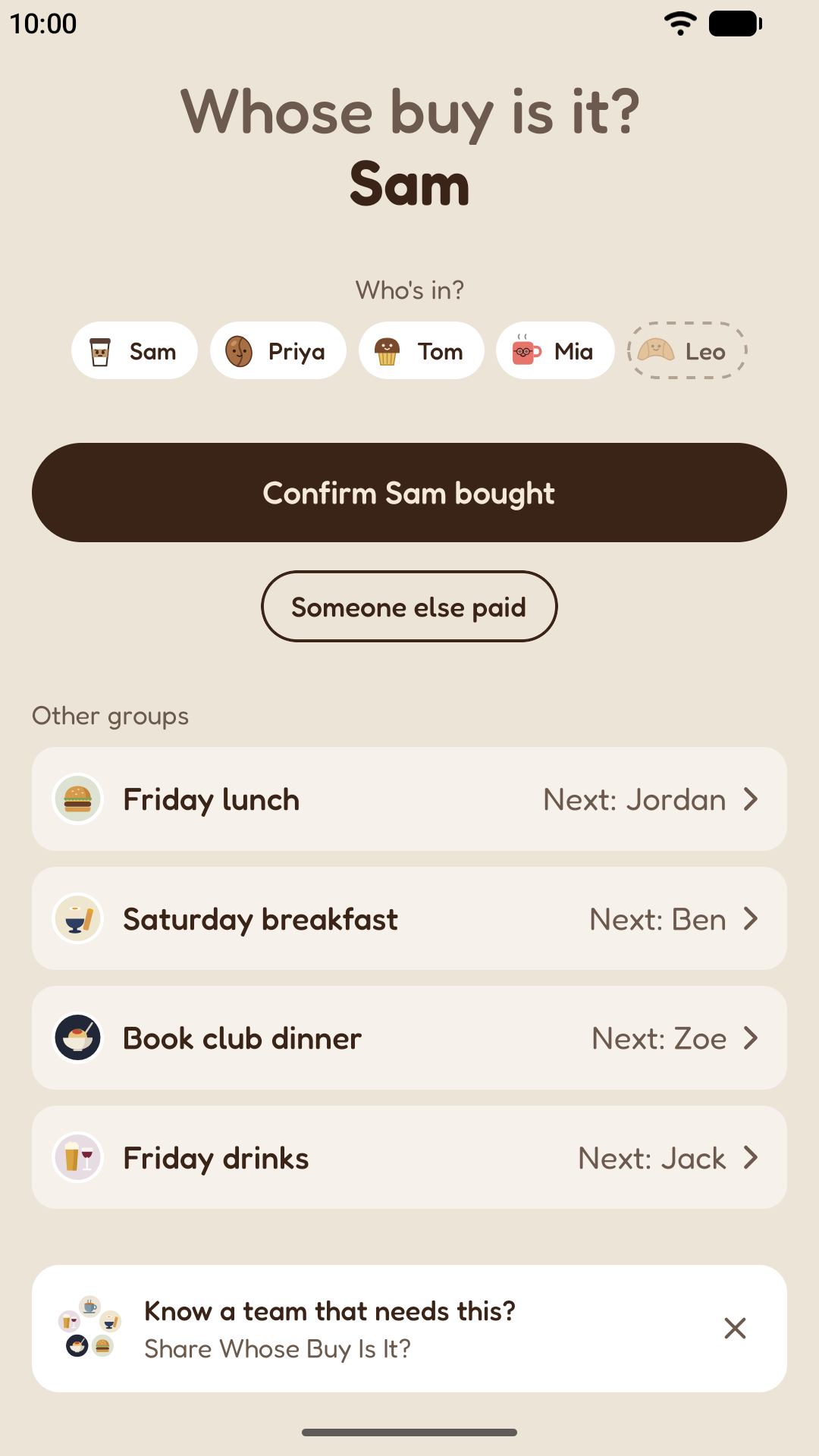
Other groups
Tap one of your other groups to switch Today to it.
-
Groups and settings
Tap the group's name to change its people. + starts another group, and ≡ has settings, backup and help.
Still stuck? The support page answers the questions people ask most.